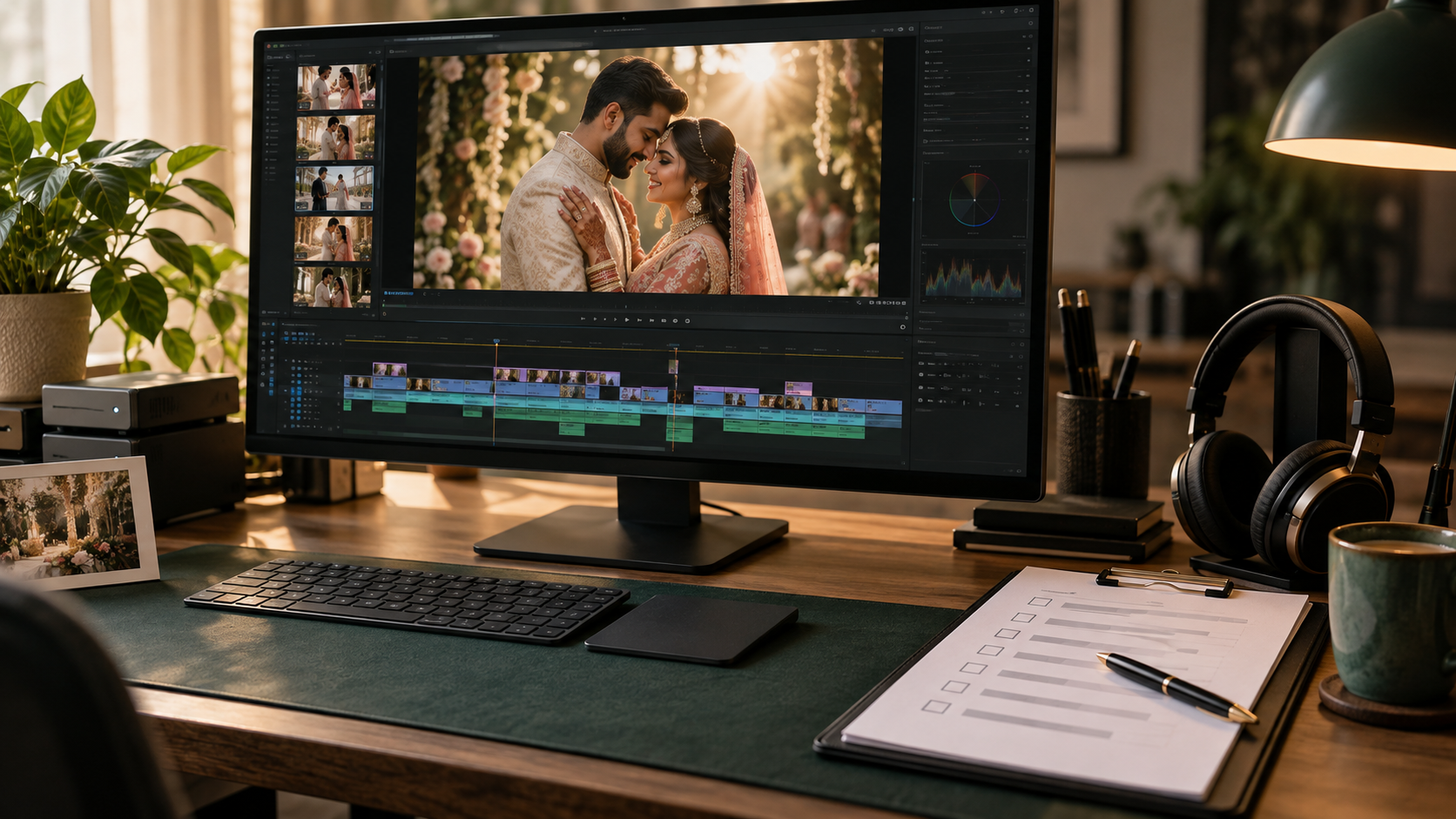
The edit is approved, the music feels right, and the final export is ready. Before sending the link to your clients, there is one more step: checking the file they will actually receive.
A wedding film quality checklist helps studios catch details that can be overlooked during creative reviews. A misspelled name, an old revision, or an incomplete upload can affect the delivery experience even when the storytelling is strong.
The goal is to review the finished film against the agreed brief, then confirm that the correct version reaches the right people.
Separate Creative Approval from Delivery Approval
Creative approval confirms that the studio or couple is happy with the story, pacing, and selected moments. Delivery approval checks that the exported files match what was promised.
Treat these as separate decisions. An approved timeline does not automatically mean that every export, caption, and download link has been checked.
Before starting the final review, gather:
- The approved film version.
- The agreed list of deliverables.
- The latest consolidated revision notes.
- Confirmed spellings for names, dates, and titles.
- The intended destination for each file.
If you use an editing partner, include these requirements when discussing wedding video editing services. A shared checklist gives both teams a clear definition of completion.
Watch the Exported File from Beginning to End
Review the actual exported file, rather than relying only on playback inside the editing application.
Watch it at normal speed without skipping through familiar sections. Check the opening, transitions, speeches, final titles, and ending. Look for unexpected black frames, missing images, frozen shots, or an ending that cuts off too early.
Pay particular attention to areas changed during the last revision. Replacing a shot or adjusting a sequence can affect nearby cuts, titles, or audio.
If you make another correction, export a new version and review the corrected section with its surrounding context. Check the new file’s beginning and ending again.
Confirm Names, Dates and On-Screen Text
Use a confirmed written reference for the couple’s names and wedding date. Do not rely on memory or an earlier filename.
Check every place where text appears, including opening titles, subtitles, closing cards and studio branding.
For multilingual text, ask a person who understands the language to review spelling and meaning. A visually neat subtitle can still contain an incorrect name or translation.
Check readability too. Titles should remain visible long enough to read comfortably, and text should not disappear against a bright dress, a dark background, or a busy frame.
Listen for Clear Dialogue and Clean Transitions
Review the sound on headphones and an ordinary speaker, such as a phone or laptop.
Listen for words that become difficult to understand beneath the music. Check for abrupt volume changes, clipped speech, distracting background noise, and audio that ends unexpectedly.
Where a speaker is visible, check whether the sound matches their mouth movements. After the final mix, confirm that important vows and speech lines are still easy to follow.
The purpose is not to make every recording sound identical. It is to make the finished film comfortable to hear while preserving the atmosphere of the wedding.
Review Colour Consistency Across Cameras
Look at consecutive shots of the same person or setting. Does the skin tone change noticeably between camera angles? Does the same outfit suddenly appear to have a different colour?
Review challenging transitions, such as moving from outdoor daylight to an indoor ceremony or from warm reception lighting to a neutral preparation room.
Different locations can retain different moods. The check is whether changes feel appropriate to the scene or appear to be an accidental mismatch.
Use your approved reference film to guide the review. You can also explore our wedding film portfolio when discussing the visual direction for a future project.
Match Each Export to the Agreed Deliverable
A highlight film, full ceremony, and vertical reel may have different delivery requirements. Check each output separately.
Compare the exported file with the brief:
- Resolution and aspect ratio.
- File format and codec.
- Frame rate.
- Audio requirements.
- Captions or subtitles, where requested.
- Film duration and included events.
- Branding and opening or closing titles.
Avoid assuming that one export preset is suitable for every destination. Editing applications provide several export controls, and the chosen settings should suit the agreed use.
For vertical versions, review the framing throughout. A crop that works for a portrait shot may cut out a second person, an important gesture, or part of a title.
Check the Uploaded Version and Download Link
After uploading, open the delivery link in a signed-out browser or private window to check whether the intended recipient can access it.
Confirm that the link points to the correct film and that viewing or downloading works as agreed. Keep permissions limited to the intended audience when the delivery is private.
If the hosting platform processes a playback version, wait until processing is complete before judging its quality. Watch key sections of that version as well as the original export.
Download the uploaded file where practical and check that it opens correctly. A successful upload message alone does not confirm that the entire delivery experience works.
Make Version Names Easy to Understand
Avoid sending several files with names such as “final,” “final-new,” and “final-latest.”
Use a consistent naming pattern that identifies the project, deliverable, and version. For example:
- CoupleName_Highlight_v03.mp4
- CoupleName_Ceremony_v02.mp4
- CoupleName_VerticalReel_v02.mp4
Clearly identify which version is approved for delivery. Keep earlier reviews separate so that a client does not accidentally download an outdated film.
Maintain a simple delivery record listing the files sent, the delivery date, and the relevant approval.
Send a Clear Delivery Message
Your message should explain what the client is receiving and how to access it.
List the included films, identify the download link, and mention any access instructions or agreed availability period. Avoid promising permanent storage unless that is part of your actual service.
A concise delivery message reduces confusion and gives the couple a clear next step.
A Final Check Protects the Finished Story
Wedding film quality control is a practical way to protect the work already invested in filming and editing.
A consistent review of picture, sound, text, export settings, and access helps your studio deliver a film with care. Keep the checklist focused enough that your team can use it on every project.
Twist Media supports wedding studios with wedding film post-production from Surat, India. Share your required deliverables, reference style, and review process to discuss your next wedding editing project.